

27Oct
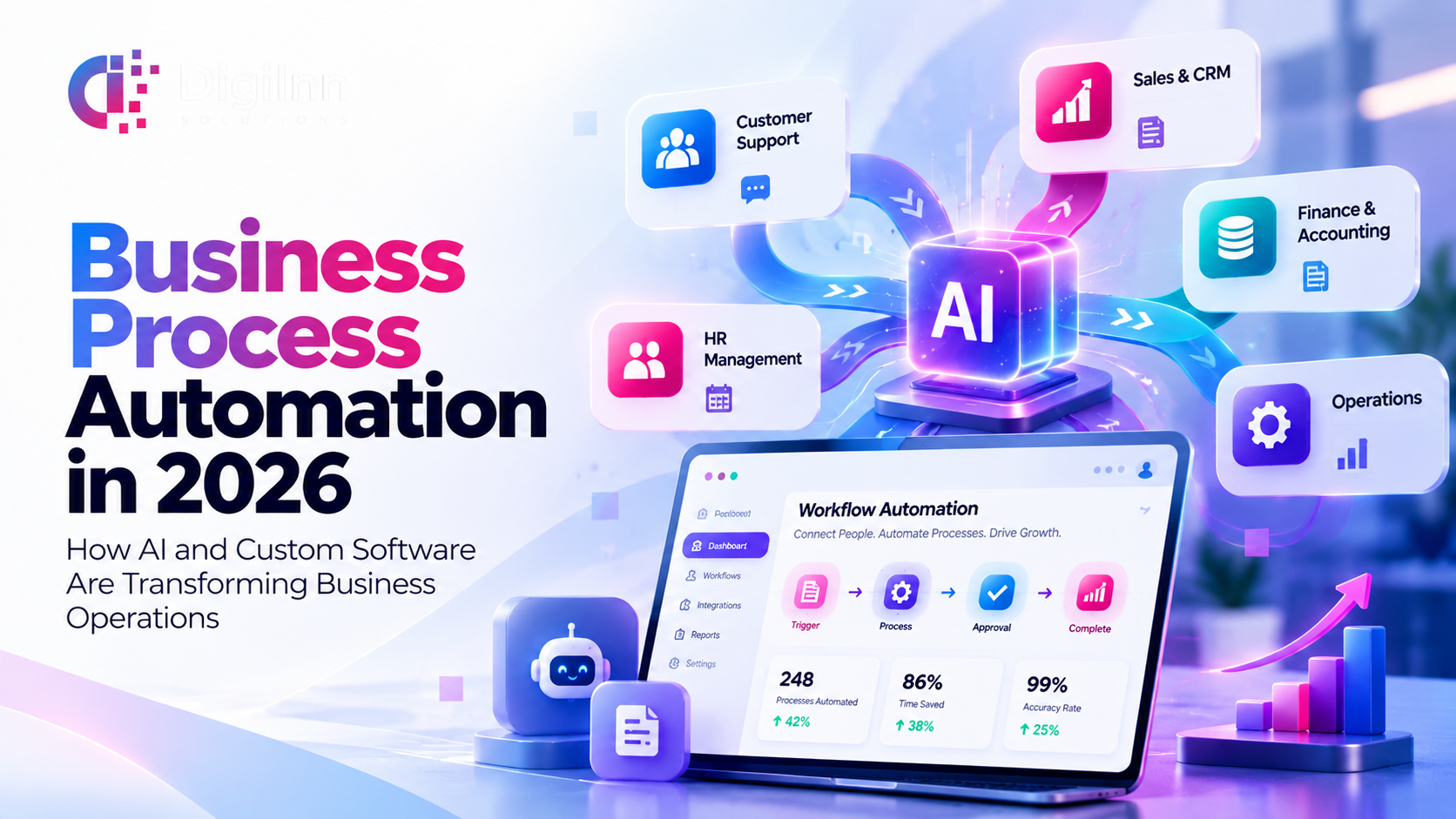
Business Process Automation in 2026: How AI and Custom Software Are Transforming Business Operations
Business growth should not mean growing operational complexity.
As companies expand, they often face a familiar challenge: more customers, more transactions, more employees, and increasingly complicated workflows.
Yet many organizations continue to depend on spreadsheets, emails, manual approvals, and disconnected systems to manage daily operations.
The result? Delayed processes, repetitive administrative tasks, fragmented information, and limited operational visibility.
This is where Business Process Automation (BPA) becomes essential.
By combining custom software development, workflow automation, and artificial intelligence, businesses can create more connected and efficient operating environments.
What Is Business Process Automation?
Business Process Automation is the use of technology to manage and execute recurring business activities with reduced manual intervention.
Instead of relying on employees to complete every step of a process manually, automation software follows predefined rules, routes information, triggers actions, and updates connected systems.
For example, when a customer submits an inquiry through a company website, an automated workflow can:
Capture the customer's information.
Create a lead in the CRM.
Notify the relevant sales representative.
Assign a follow-up task.
Update the lead's status as the sales process progresses.
This reduces repetitive coordination and helps maintain consistency across business operations.
Why Businesses Need Automation in 2026
Modern businesses operate across multiple platforms, departments, and customer touchpoints.
Sales teams use CRM systems, finance departments manage invoices, HR teams maintain employee records, and operations departments track daily activities.
When these systems operate independently, information often needs to be transferred manually.
Business automation software helps connect these activities into structured workflows.
The main benefits include:
Reduced repetitive administrative work.
More consistent business processes.
Improved communication between departments.
Faster routing of customer requests.
Better access to operational information.
Greater visibility into workflow performance.
Automation does not eliminate the need for employees. It allows teams to spend less time on repetitive processes and more time on activities requiring judgment, creativity, and customer relationships.
How Does Business Process Automation Work?
An effective automation system typically follows four stages.
1. Capture Business Information
The process begins when information enters the system through a customer inquiry, order, booking, internal request, or connected application.
2. Trigger Automated Workflows
Based on predefined business rules, the system determines what should happen next.
For example, a confirmed order may trigger an inventory update, invoice generation, or notification to the operations team.
3. Connect Teams and Systems
Automation software can exchange information between connected platforms, including CRM, ERP, accounting software, and custom business applications.
This helps employees access relevant information without repeatedly entering the same data.
4. Monitor and Improve Performance
Management dashboards can track completed activities, pending approvals, processing times, and operational exceptions.
These insights help organizations identify bottlenecks and refine their processes.
Business Process Automation vs. AI Automation
Although the terms are often used together, traditional automation and AI-powered automation are not identical.
Traditional Business Process Automation follows predefined instructions and business rules.
For example, when a payment is confirmed, the system automatically updates the invoice status.
AI-Powered Business Automation can use artificial intelligence to interpret information, classify requests, generate responses, or assist with decisions.
For example, an AI-enabled customer support system may analyze an inquiry, identify its subject, and direct it to the appropriate department.
AI can make automation more flexible, but important decisions may still require human review, particularly in financial, legal, or sensitive operational processes.
Five Business Operations That Can Benefit From Automation
1. Sales and Lead Management
Automated lead capture, CRM updates, sales assignments, and follow-up reminders help sales teams organize potential opportunities.
2. Customer Support
AI chatbots, automated ticket creation, inquiry routing, and status notifications help businesses manage routine customer communication.
3. Finance and Accounting
Invoice generation, payment reminders, expense approvals, and reporting workflows can reduce repetitive administrative tasks.
4. Human Resource Management
Employee onboarding, attendance management, leave requests, and approval workflows can be managed through connected HR systems.
5. Inventory and Operations
Stock updates, purchase requests, order processing, and operational reporting can be automated through custom software and ERP integrations.
Industries That Can Benefit From Business Automation
Real Estate
Real estate companies can automate lead assignments, property inquiries, installment reminders, and customer follow-ups.
Restaurants and Hospitality
Restaurants can connect customer orders, kitchen operations, delivery coordination, inventory management, and reporting.
Healthcare
Healthcare organizations can automate appointment confirmations, administrative workflows, billing processes, and patient communication while maintaining appropriate privacy and security controls.
Manufacturing
Manufacturers can automate inventory updates, production reporting, purchase approvals, and distributor coordination.
Education
Educational institutions can automate enrollment processes, attendance tracking, fee reminders, and academic administration.
Corporate Enterprises
Larger organizations can use automation to connect departmental workflows, approval processes, internal requests, and enterprise reporting.
Why Custom Automation Software Matters
Not every business operates in the same way.
A restaurant's operational workflow differs significantly from that of a manufacturing company or real estate developer.
While ready-made software can support common requirements, some organizations need custom automation solutions that match their existing processes.
Custom business automation software can provide:
Industry-specific workflows.
Integration with existing business applications.
Role-based user access.
Custom dashboards and reporting.
Automated approval processes.
CRM and ERP connectivity.
AI chatbot and intelligent workflow integration.
The objective is not simply to automate more tasks. It is to automate the right tasks in ways that support the organization's actual needs.
How to Start Automating Your Business
Before implementing business automation, organizations should evaluate their current processes.
Step 1: Identify repetitive activities. Determine which tasks consume significant time or frequently require manual coordination.
Step 2: Map existing workflows. Understand how information moves between customers, employees, departments, and software systems.
Step 3: Prioritize high-value processes. Begin with activities where automation can improve consistency, visibility, or processing efficiency.
Step 4: Select suitable technology. Determine whether existing software, integrations, or custom development best address the requirements.
Step 5: Implement and evaluate. Test automated workflows, train employees, monitor results, and refine the system over time.
Starting with a clearly defined business problem helps reduce unnecessary complexity.
How Digi-Inn Solutions Supports Business Automation
At Digi-Inn Solutions, we help organizations explore technology solutions that connect business processes and support operational efficiency.
Our capabilities include:
Custom Software Development.
Mobile and Web Application Development.
ERP and CRM Solutions.
Business Process Automation.
AI Chatbot and AI Agent Integration.
Workflow Management Systems.
Enterprise Dashboards and Reporting.
Third-Party Software Integrations.
Whether your organization needs to automate customer inquiries, connect internal departments, or develop a custom business management platform, the right solution begins with understanding how your business operates.
FAQs
What is business process automation?
Business process automation uses software to execute recurring activities, route information, and manage workflows with reduced manual intervention.
What is the difference between AI automation and traditional automation?
Traditional automation follows predefined rules, while AI automation can also interpret information and assist with tasks that require more flexible processing.
Can small businesses use automation software?
Yes. Small businesses can automate activities such as customer inquiries, appointment confirmations, invoice reminders, and task assignments.
Can automation software integrate with existing ERP or CRM systems?
Many systems support integration through APIs or other compatible methods. Feasibility depends on the software, available interfaces, and security requirements.
Does business automation require custom software?
Not always. Some organizations can use existing automation tools, while others benefit from custom development when their workflows are more specialized.
Conclusion: Automate Processes, Empower People, Build Smarter Businesses.
Digital transformation is not simply about adopting new technologies.
It is about creating connected business processes that help organizations operate more efficiently and respond effectively to changing requirements.
By combining business process automation, custom software development, and AI-powered solutions, companies can reduce repetitive work, improve operational visibility, and build more adaptable systems.
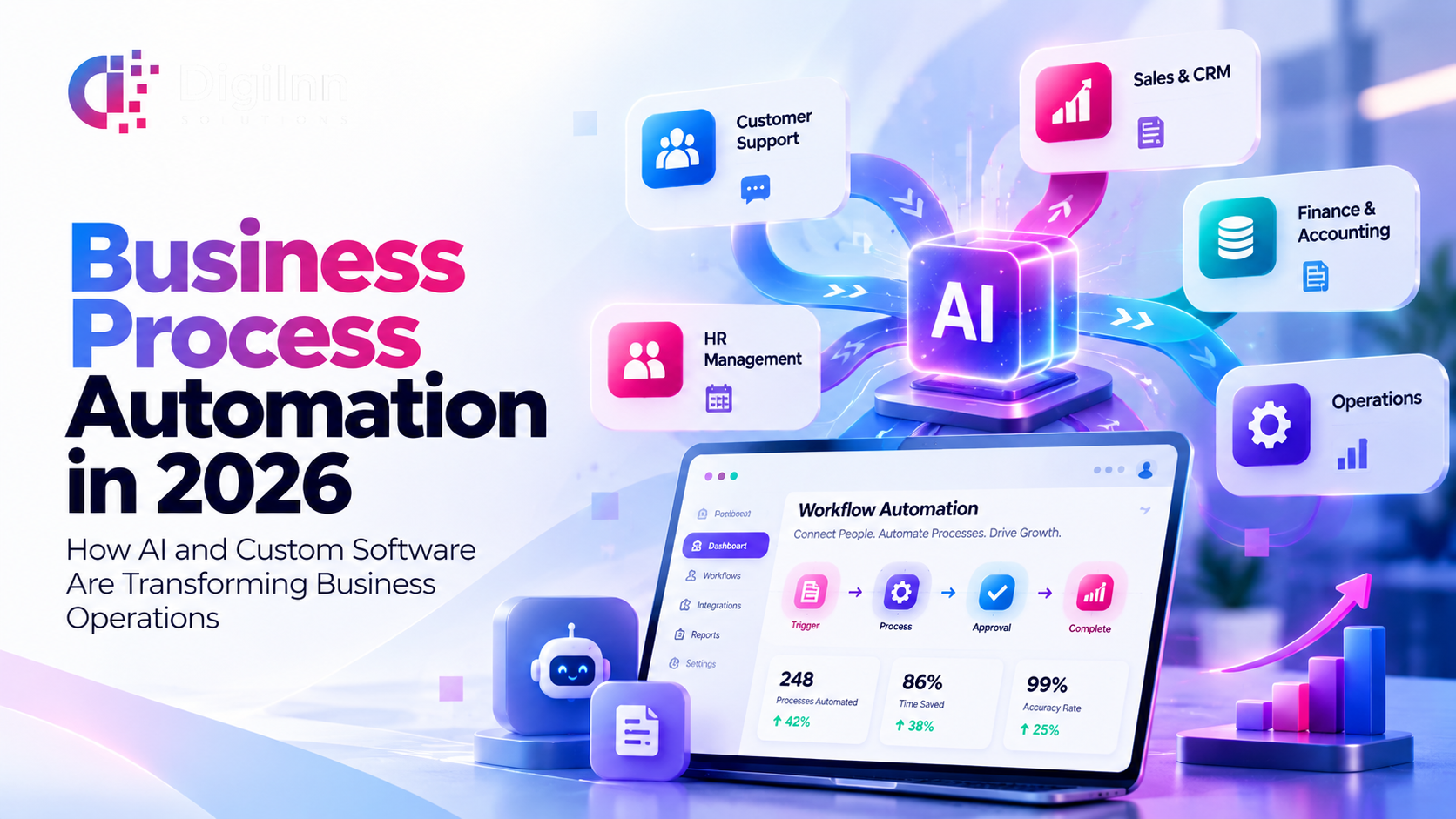
Business Process Automation in 2026: How AI and Custom Software Are Transforming Business Operations
Oct. 27, 2026, 10:20 a.m.
AI Agents for Business in 2026: How Intelligent Automation Is Transforming Business Operations
Oct. 19, 2026, 1:24 p.m.
The Future of Business Operations: How Remote Services Help Companies Scale Globally
Oct. 12, 2026, 1:18 p.m.
Beyond Digital: How AI and Automation Are Redefining Business Transformation
Aug. 28, 2026, 2:16 p.m.

Leave A Comments